People living abroad have troubles signing in in Lapin Kansa.
1. When you have paid your 1 euro payment, you have to give your contact information. After your have filled in your country, you don´t have to fill in nothing more than your phonenumber. Check your country´s code, that its been filled right.
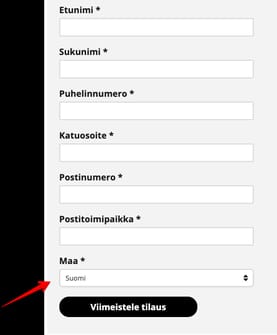
In the space "Maa" Check that you fill your phonenumber right - there has to be right countrycode!
2. You will receive a confirm e-mail - check also your junkmail.
3. When you get this kind of mail, press word "Vahvista". It means that you are confirming this e-mail.
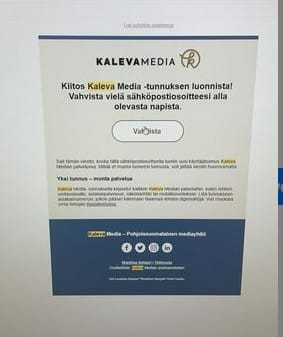
You have to confirm your email.
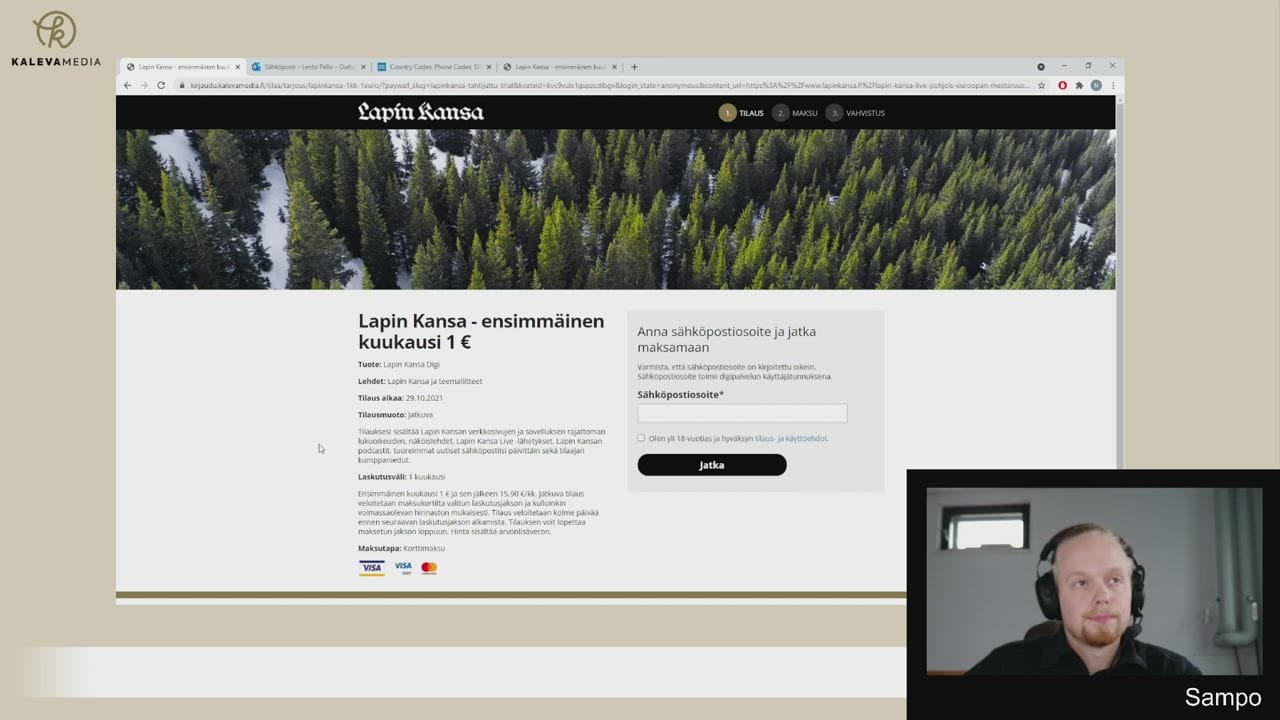
Doesn´t your livestream work? Check also our video to help logging in.
Do you still have problems? Check also these steps:
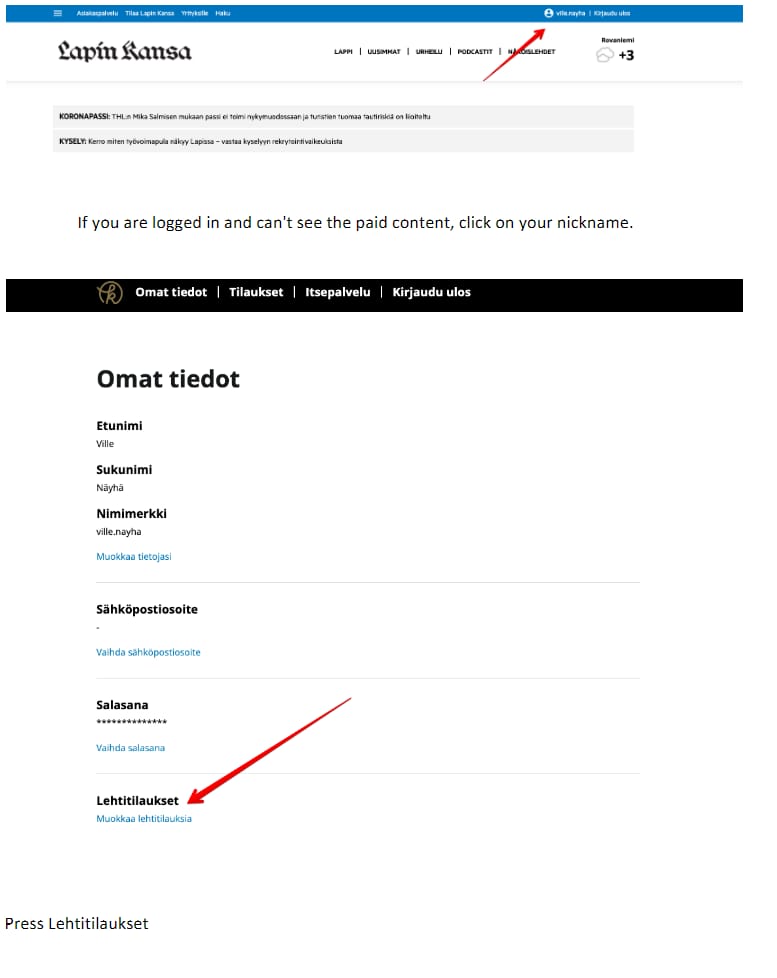
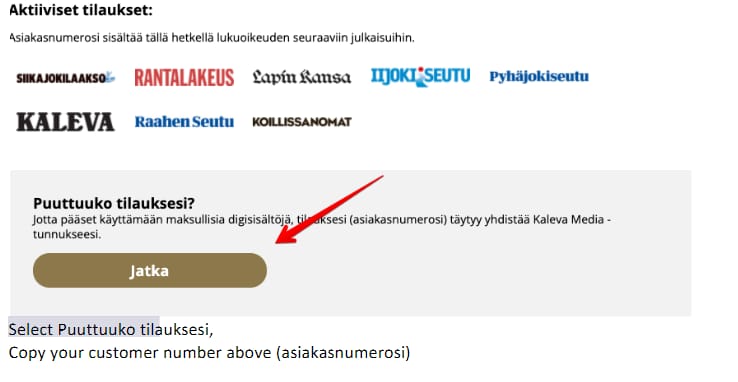
Select "puuttuuko tilauksesi" and copy your customer number there.